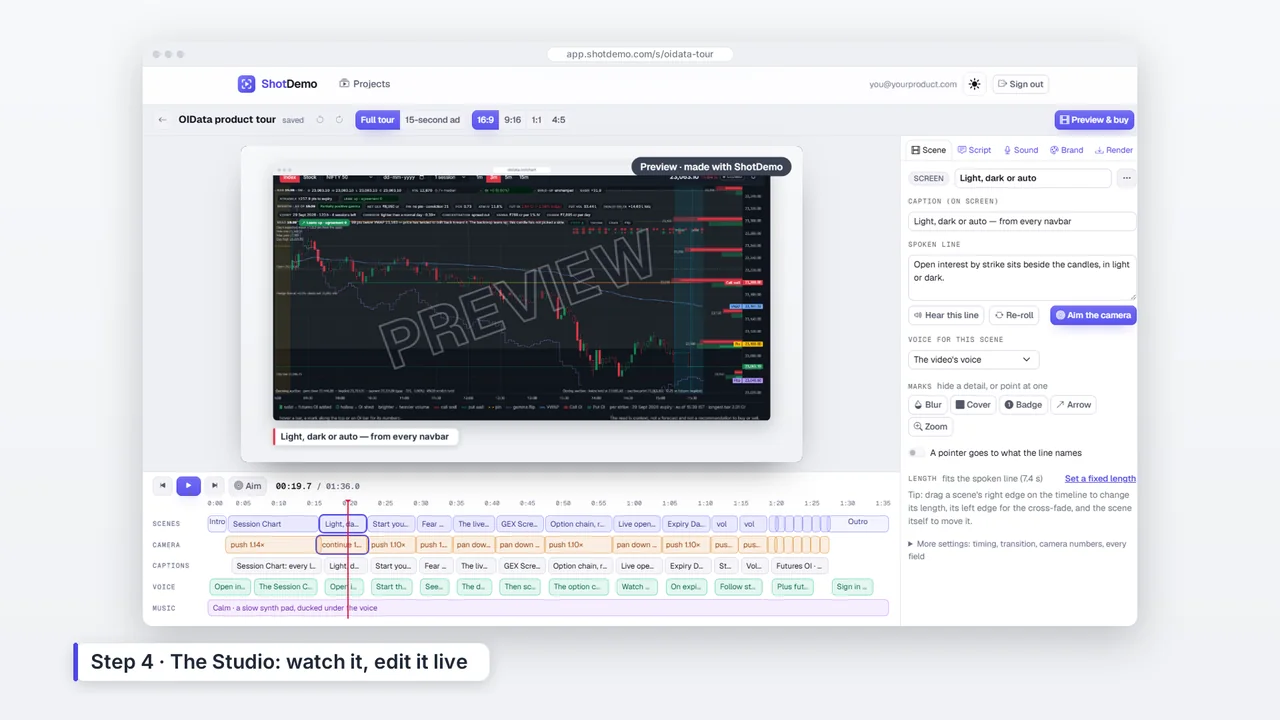
With ShotDemo, a tutorial is a set of screenshots and a few notes. When the interface changes, replace the screenshot and render again.
Built for how-tos
- Steps card: the tutorial style adds a card listing the steps before the screens.
- Highlight boxes: draw a box around the button or field a step is about.
- A calm voice: pick a voice and speed that suits instructions, and hear it first.
- Subtitles: every video comes with a subtitle file, and captions on screen.
The camera shows the right spot
For each step the camera moves to the part of the screen the line talks about, so viewers do not have to hunt for the button on a full-size screenshot, even in the tall phone shape.
Keep them up to date
Tutorials go stale when the product changes. Because a project is just your screenshots and your words, updating a video means swapping a screenshot or a line, not recording again. After paying for a video you can render it again as often as you need.