What makes a demo video worth watching
The demo videos that work have the same few things in common, whoever made them:
- One story. A single path through the product, from the problem to the moment it is solved, not a tour of every menu.
- The right detail in view. When the narration names a button, the viewer is looking at that button, not searching a full-width screenshot for it.
- Readable at a glance. Words on screen short enough to read while listening, and a voice that does not race.
- Sound that helps. A voice that is clear over quiet music, and nothing that drowns either.
- A clear ending. One thing to do next, on screen long enough to act on.
Screen recordings struggle with the second and third: the whole screen is in view, at whatever size the window was, and the cursor wanders. A video made from a demo gets them for free, because every step already says which element it is about.
From screenshots to a finished video
- Arrange the screens. Upload screenshots in the order the story goes, or give ShotDemo your website's address to capture its pages. Each becomes a step.
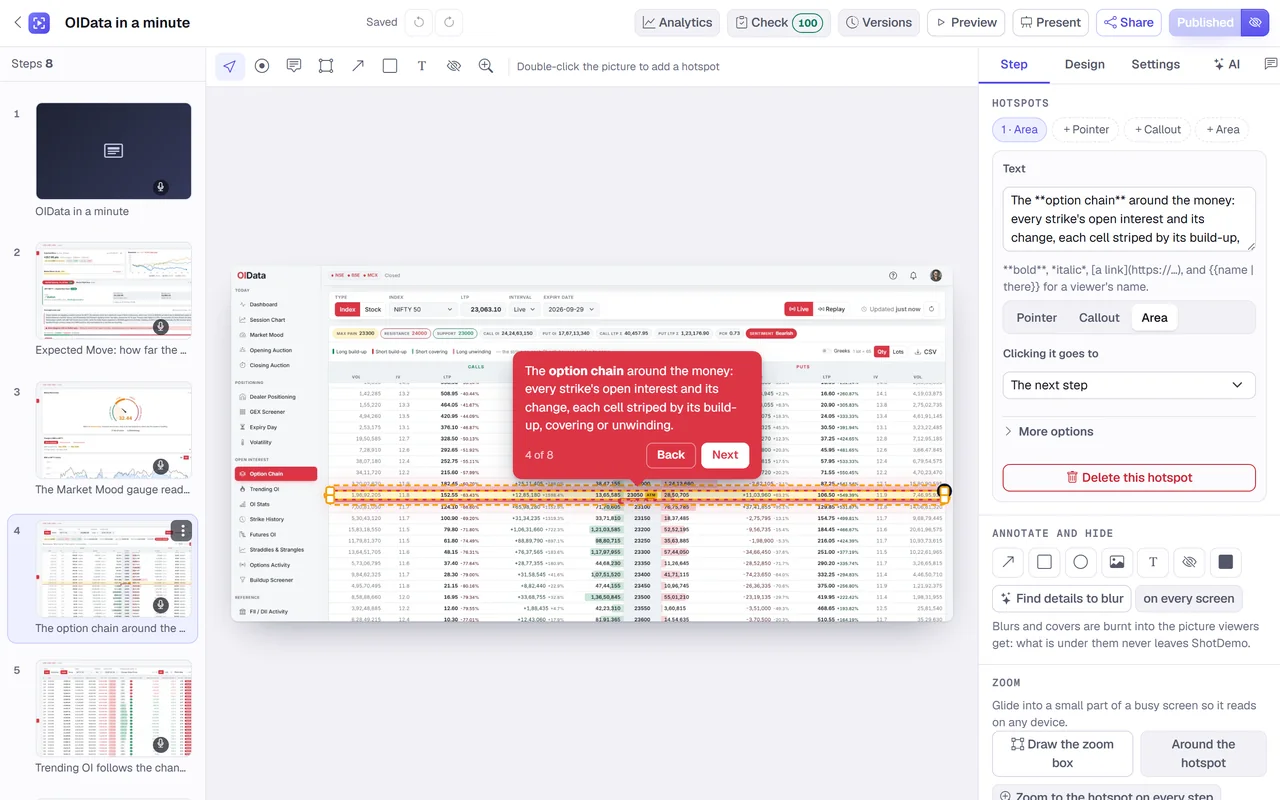
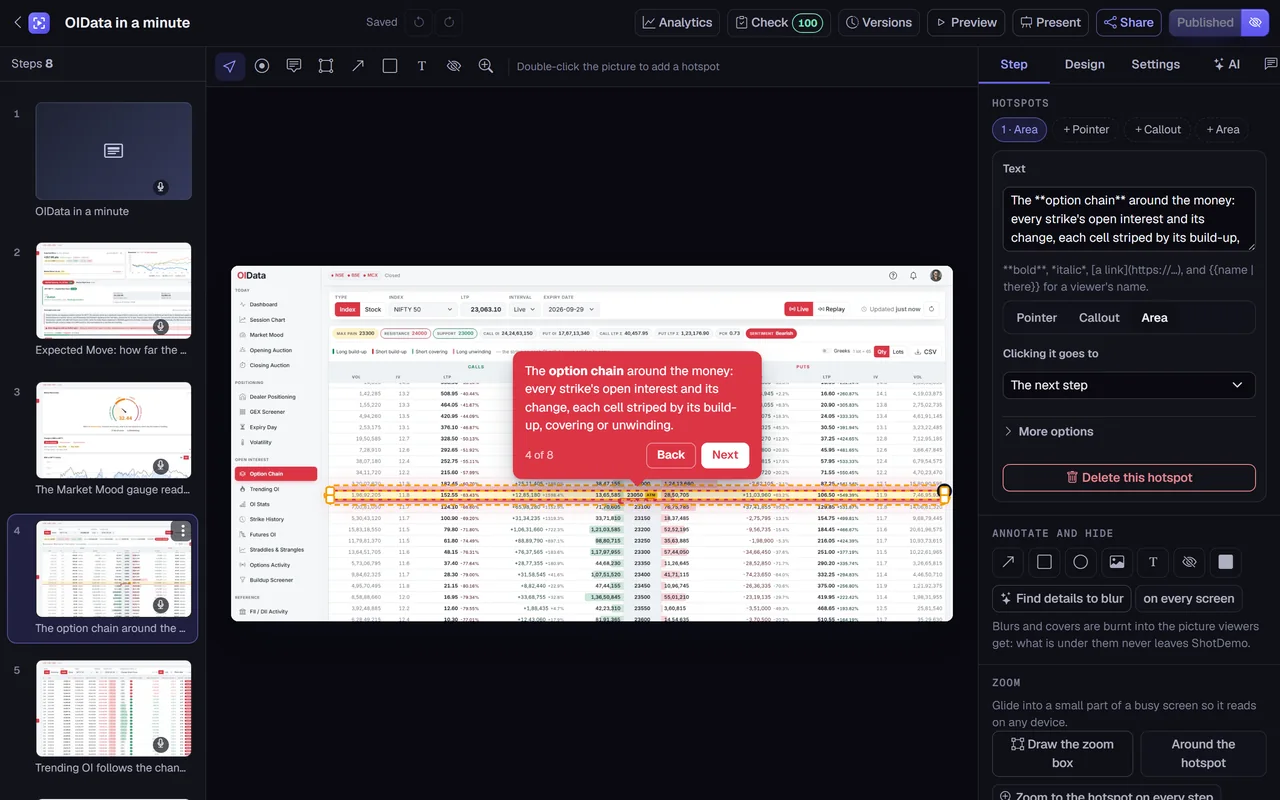
- Point and write. Move each step's hotspot onto the element it is about and write a sentence or two. Hide anything private with a blur, which is burnt into every picture viewers and videos get.
- Give it a voice. Choose one of the natural voices and let each step's words be read, or write a separate spoken line where the caption should be shorter than what is said. You can also upload a recording of your own voice for any step, or choose No voice, and neither the demo nor its video speaks.
- Publish and export. Choose a shape and press export. ShotDemo's video engine moves the camera to each hotspot, sends a pointer to click it, shows the words as captions, mixes the voice over a music bed and renders the file.
The interactive demo you built along the way is a product in its own right: put it on your website, where visitors can click through at their own pace, and use the video where they cannot.
Shapes, sizes and GIFs
One demo exports to 16:9 for your website, YouTube and Product Hunt, to 9:16 for Shorts, Reels and TikTok, to 1:1 for LinkedIn and X, and to 4:5 for feeds that favour a taller picture. Each shape is laid out for itself, with the screen and the caption row placed where that shape needs them. For changelogs, help articles and emails, the same demo exports as a GIF, silent and looping, a few seconds per step.
When your product changes
Interfaces change every few weeks, which is why so many demo videos on product websites show last year's design. With a demo, you replace the screenshot of a step that changed, keep its hotspot and words, publish, and export again. The voice lines that did not change are not made again, so a new version of the video takes minutes, not an afternoon of re-recording.
What it costs
Making the demo is free, and so is a preview video, one a day, at 720p with a preview mark. Buying the demo once, for $12, gives you clean full-HD videos and GIFs in every shape whenever you want them, and turns on everything else for that demo, including lead forms and an offline copy. There is no subscription, and your colleagues can make and export demos at no extra cost.
When to record instead
Some demos need motion that screenshots cannot give: a drag-and-drop, an animation, a live chart filling in, a real person typing and thinking. If the point of your video is how something moves, record that part of your screen. Many teams combine the two: a recorded clip for the one moving moment, and a demo video for the walk through everything around it.
Examples
The video on this page is ShotDemo's own one-minute tour, made in ShotDemo from screenshots of its editor and exported once, with a voice on every step. Its interactive version is on the examples page, with every step written out.