Two kinds of product tour
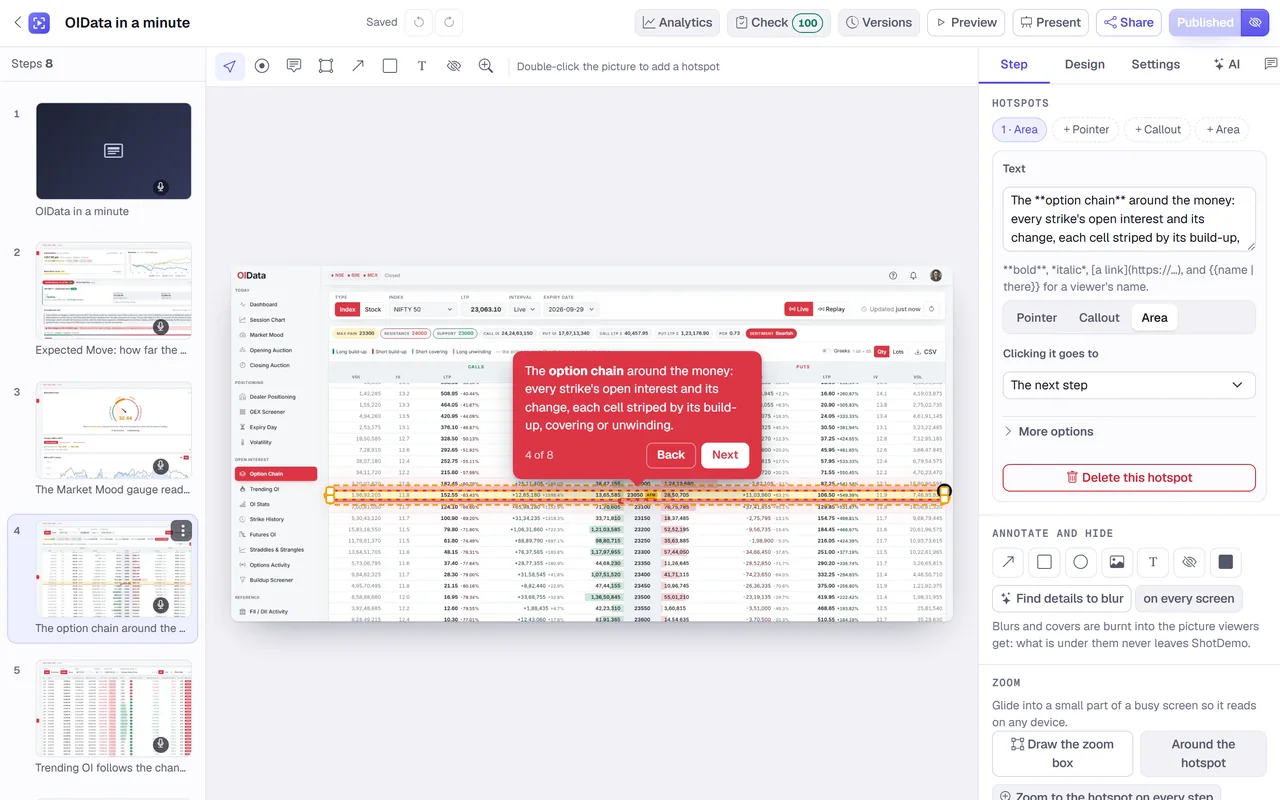
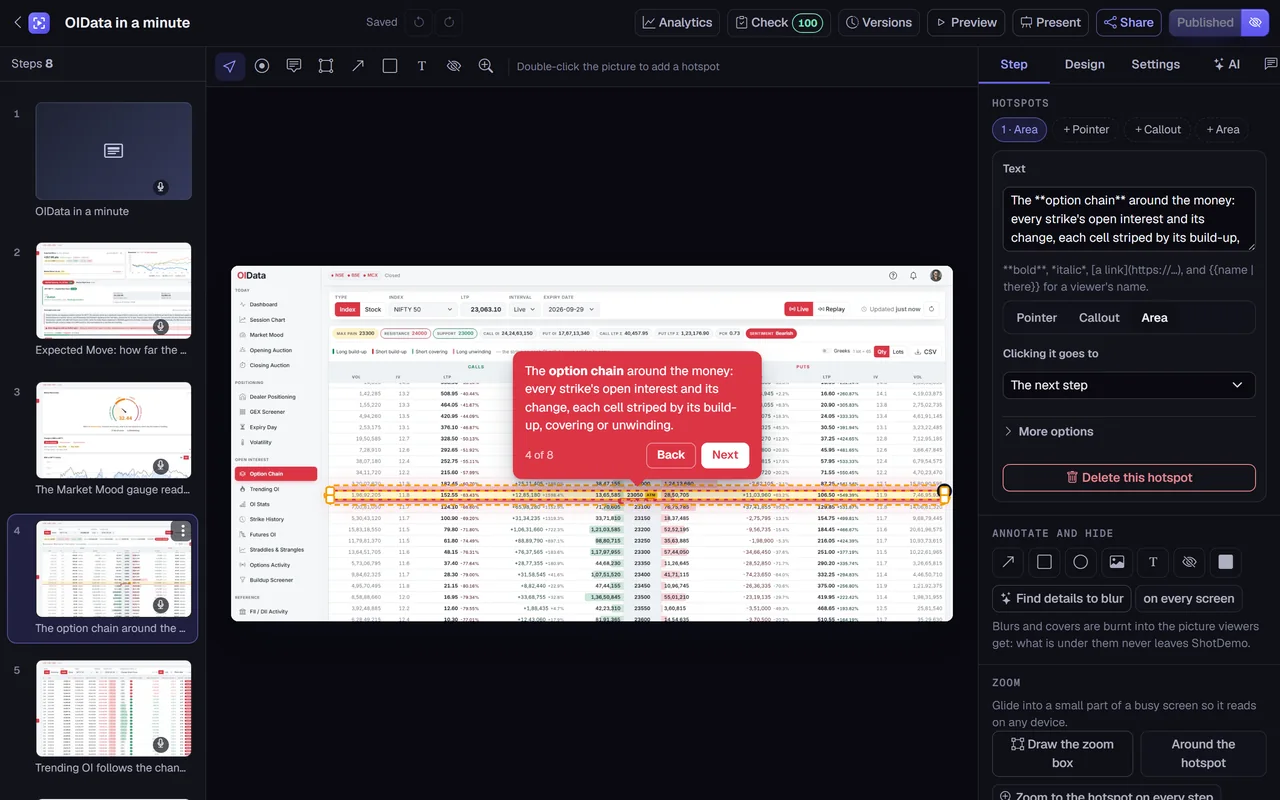
There are two families of tools that both call themselves product tours. One attaches tooltips to your live application, so they appear over the real interface for a signed-in user; they need your engineers to install them and they move when the page layout moves. The other, which ShotDemo belongs to, builds the tour from pictures of your interface. It plays anywhere, to anyone, signed in or not, and it looks the same tomorrow as today. Teams often use the second kind on the way in, before a visitor has an account, and in support articles, where the screen being explained may not be open at all.
One tour, many places
Every tour you publish in ShotDemo can appear in several places at once, and they all stay in step: publish a change and every copy shows it.
- A page of its own. Each tour has a share link and a page with your logo, its title and your button, which you can send or post anywhere.
- Inline on a page. Paste an iframe into Webflow, WordPress, Framer, Notion, HubSpot, Ghost or almost any help center. It keeps the tour's shape as the page narrows and loads only when it scrolls into view.
- A popup. Add one script tag and mark any button with the tour's id; clicking it opens the tour in an overlay that closes with Escape or a click outside.
- Inside your app. The same script can open a tour from your own code at any step, fill its variables with the signed-in person's name or company, and tell your page what the viewer did.
Personal without extra work
Tours can greet people. Write a variable such as the viewer's name into a hotspot's words, with a fallback for when it is unknown, and ShotDemo fills it from wherever the viewer came: a link made for that person, a parameter in the address, a form they filled in earlier in the tour, or your app's own data. A tour for a sales prospect can address them and their company by name without a separate copy for each.
Following what viewers do
A tour reports what happens to the page around it: when it loads, when the viewer starts, each step they reach, how far along they are, when they finish, when they click through to a link and when they close it. Use those events to show a chat box at the end of a tour, to mark an onboarding checklist item as done, or to send them on to your own analytics.
In ShotDemo itself, each tour's analytics show views, unique viewers, completion and time, where people stopped, and where they came from, with your team's own views left out. A bought tour also lists each viewer's session and, when it has a form, who they are, and it can send its events to your own Google Analytics.
Keeping tours current
Because a tour is made of pictures, it does not break when your interface changes, but it can go out of date. Replace the picture of a step when its screen changes and the hotspot stays where you put it, relative to the picture. Duplicate a tour to make a variant for another audience, move tours into folders, tag them, and archive the ones you retire; an archived tour stops playing everywhere at once.
On phones, and out loud
On a narrow screen, a tour's words move into a panel under the picture so the screenshot stays visible, with large buttons to go back and forward. A tour also reads its words aloud if you choose a voice, with captions on screen, which helps people who cannot listen and people who prefer to.
What a good tour looks like
Keep it to the path a new person takes, not every feature: eight to twelve steps, one idea each. Put the hotspot on the exact control, use the words printed on the screen so the eye finds it, and end with one thing to do next. A welcome card at the start that says how long the tour takes makes people more likely to finish it.
Price
Building tours is free, for everyone on your team and as many tours as you make, and three can be live at a time with a small badge. A tour that does real work, such as the one on your home page or in your onboarding, can be bought once for $12: no badge, live for good, with forms, password protection, personal links, each viewer's journey and the exports. There is no monthly fee and no price per person.