What went in
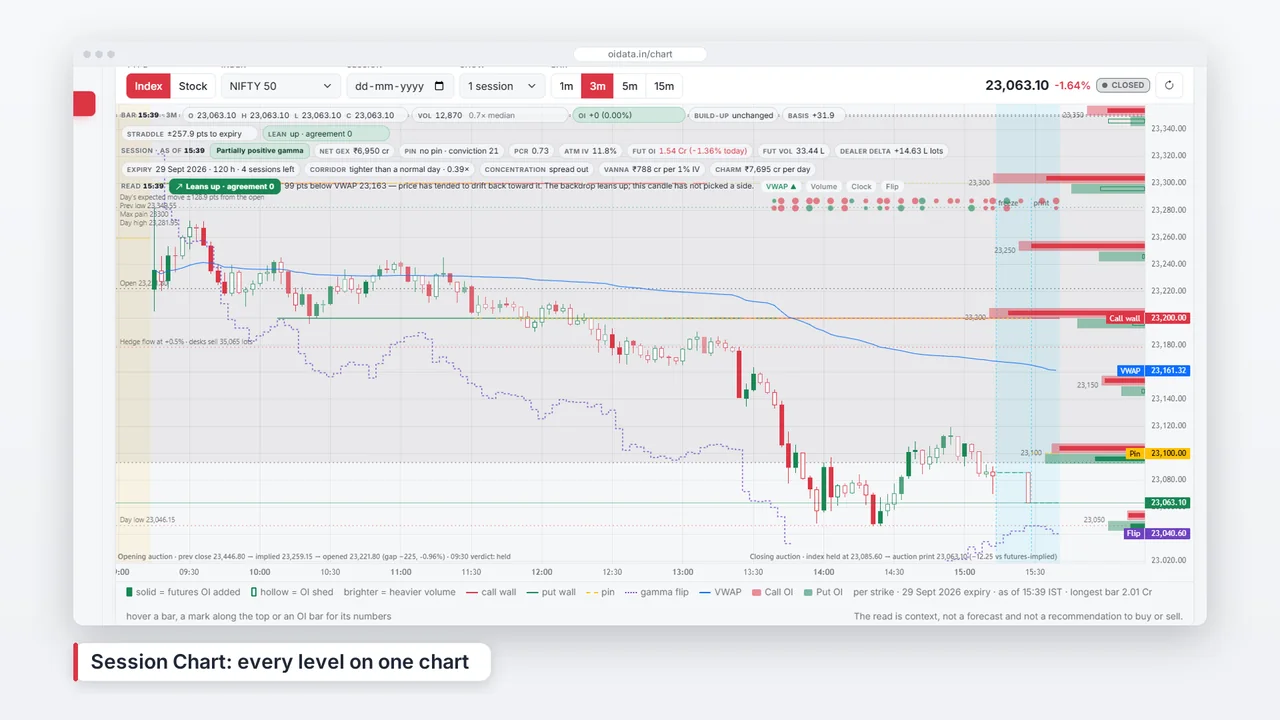
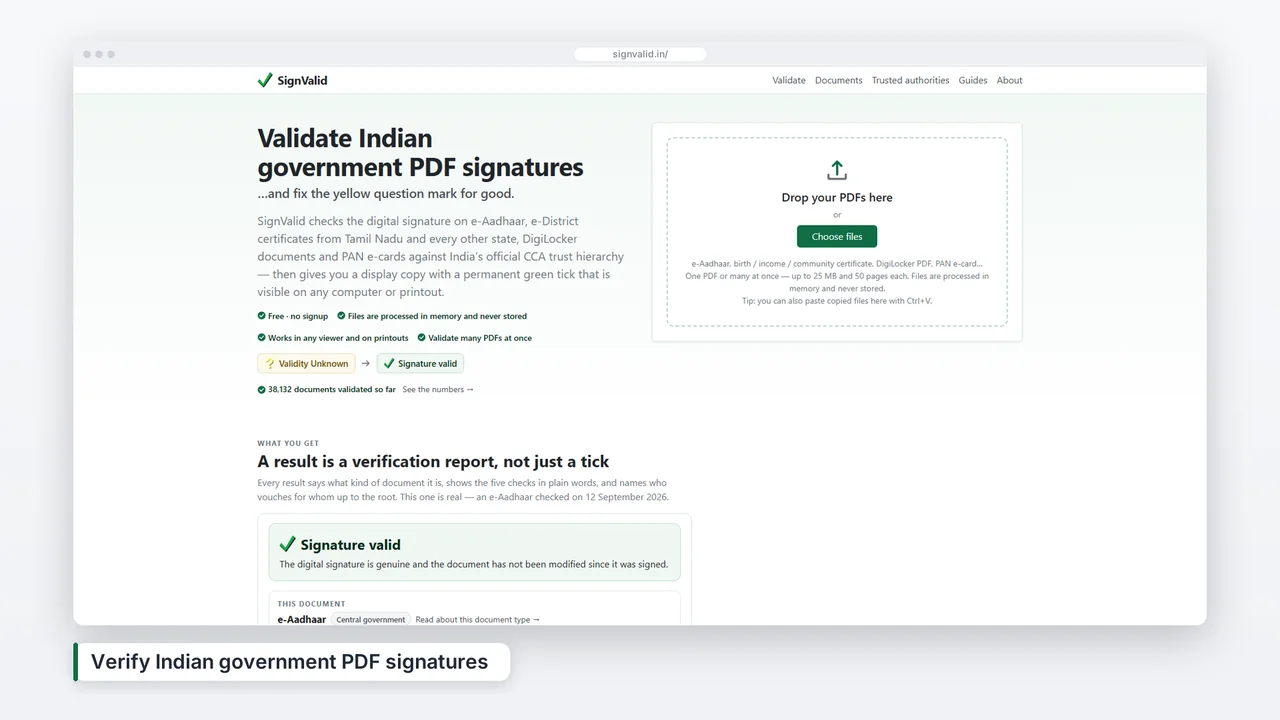
- Five screenshots of the real app, one for each step a customer walks through: reading the product from its website, adding screens, the AI's description of each screen, the Studio, and the Studio's Render tab. They were captured from the running app in a desktop browser, with the OIData example open in them rather than a customer's project.
- Seven lines of script, written by hand: an opening line, one line per screen and a closing line. Together they are about 65 words.
- Jenny, one of the US English voices, set 5% faster than her usual pace, because a tour this short has no room for pauses.
- The pad music bed, a slow synth pad that ShotDemo generates itself, mixed quietly under the voice.
Why each line is one short sentence
Thirty-five seconds is not much time. A voice reads about two and a half words a second, so each screen gets a line of eight to thirteen words and about five seconds on screen. When a tour needs to say more, the better fix is another screenshot, not a longer sentence over the same one: viewers remember one idea per screen, and a long line makes the camera hold still while the voice catches up.
Where the camera goes
Every screen gets a push, a slow zoom toward the part of the screen its line talks about. On the first step it moves toward the product's name and description, which ShotDemo read from the product's website; on the Render tab it drifts right, to the list of shapes and the free preview. The zoom stays between 1.10 and 1.18 times, enough to guide the eye without making text soft. On the Studio screen the camera holds still for a moment before it moves, so the viewer can take in the whole editor first.
The 15-second ad
The short cut keeps four scenes: the opening card, the Studio, the Render tab and the closing card. Each has a fixed length (2.6, 4.4, 4.0 and 4.0 seconds), and one line runs across all of them. In 9:16, ShotDemo lays each screen out for a phone, above the band where Reels, Shorts and TikTok draw their buttons.
What to borrow for your own video
Show the screens in the order a new user meets them. Give every screen one idea and one line. End on one action, and say the address out loud: the closing line here is the website, spoken as a person would say it.
What the voice says
The full tour, scene by scene: the caption on the screen, then the line the voice reads. The player's captions button shows the same words over the video.
- Your app deserves a video. ShotDemo makes it from your screenshots.
- Step 1 · Your product, read from your websitePaste your website. ShotDemo reads your name, colours and logo.
- Step 2 · Add your app's screensAdd screenshots of the features you want to show.
- Step 3 · AI describes every screenThe AI reads each screen and writes what it does.
- Step 4 · The Studio: watch it, edit it liveThen watch your video in the Studio, and change anything on its timeline.
- Step 5 · Preview free, pay once, every shapePreview it free, pay once, and download every shape.
- Make yours at shotdemo.com.
The 15-second ad says one line over its screens: “Your app's screenshots in, a finished product video out. Preview it free, pay once.”