A screen that runs itself
Between conversations, a screen at the back of the booth should keep showing what your product does. In the demo's Settings, turn on Play by itself and Start again at the end (booths, screens): each step stays for the seconds you set, a spoken step waits for its voice to finish, and after the last step the demo starts over. Click once to start it, since browsers only play sound after a click, then leave it. Chapters that ask something of the viewer, such as a form, an embed or a password, wait for a click, so leave them out of the copy you loop.
Keep the looped version short and visual: six to ten steps, big hotspot words, the result your product produces on the last screen. People walking past read a screen for a few seconds, so each step should make one point a stranger understands.
When the Wi-Fi fails
A bought demo downloads as an offline copy: one folder with the demo and its pictures and sounds, which plays from the laptop's own disk with no internet and no ShotDemo account. Open its page in a browser and it plays like the demo on your website, with its voice, its translations and its branching. Two things work differently, on purpose: nothing is counted (there is no server to count to), and a lead form in it does not send anything; it fills in the demo's variables and moves on. Collect contact details with your badge scanner or your usual event app, and keep the online demo for after the event.
If you want the loop on a television with no computer at all, export the demo as a video instead. Every published demo exports as an MP4, with the camera moving to each hotspot, the pointer clicking and the words as captions, in landscape for a screen or upright for a phone. A bought demo exports clean in full HD; a free one exports at 720p with a PREVIEW mark, once a day.
When your team gives the demo
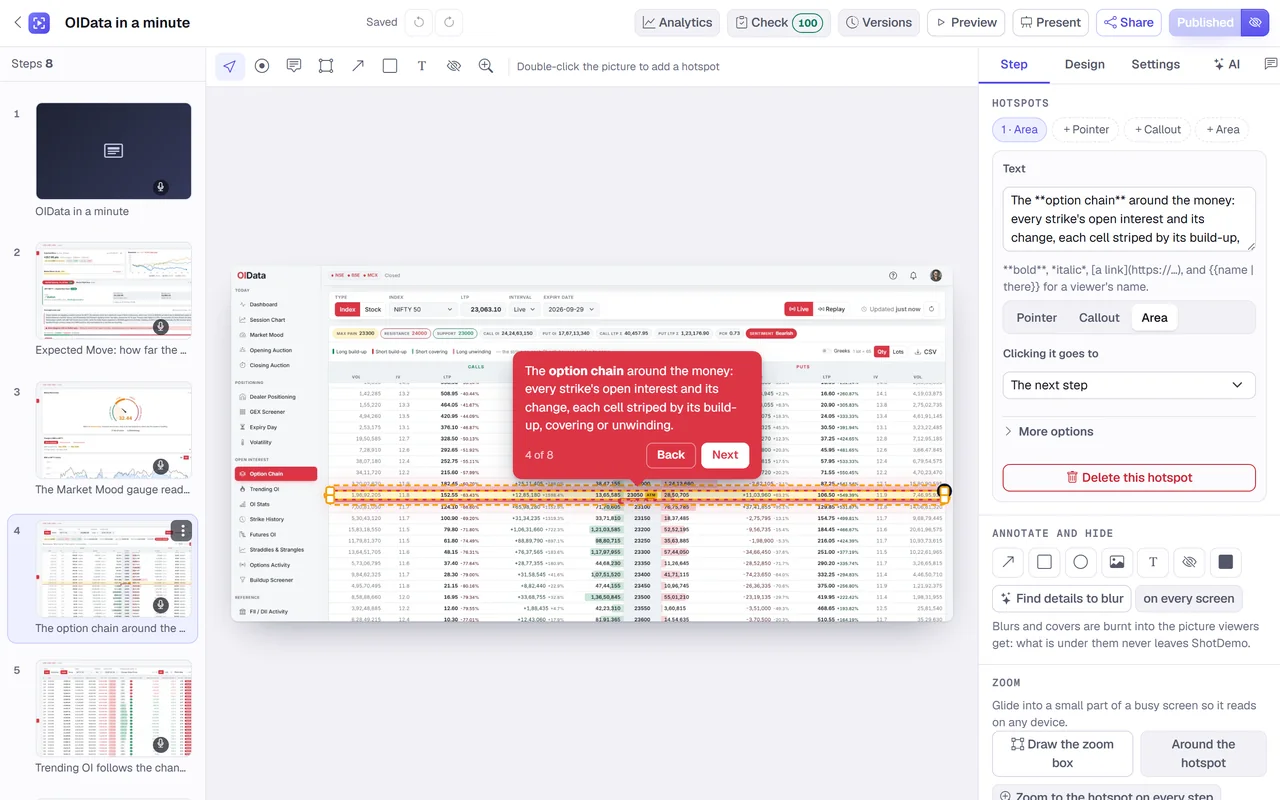
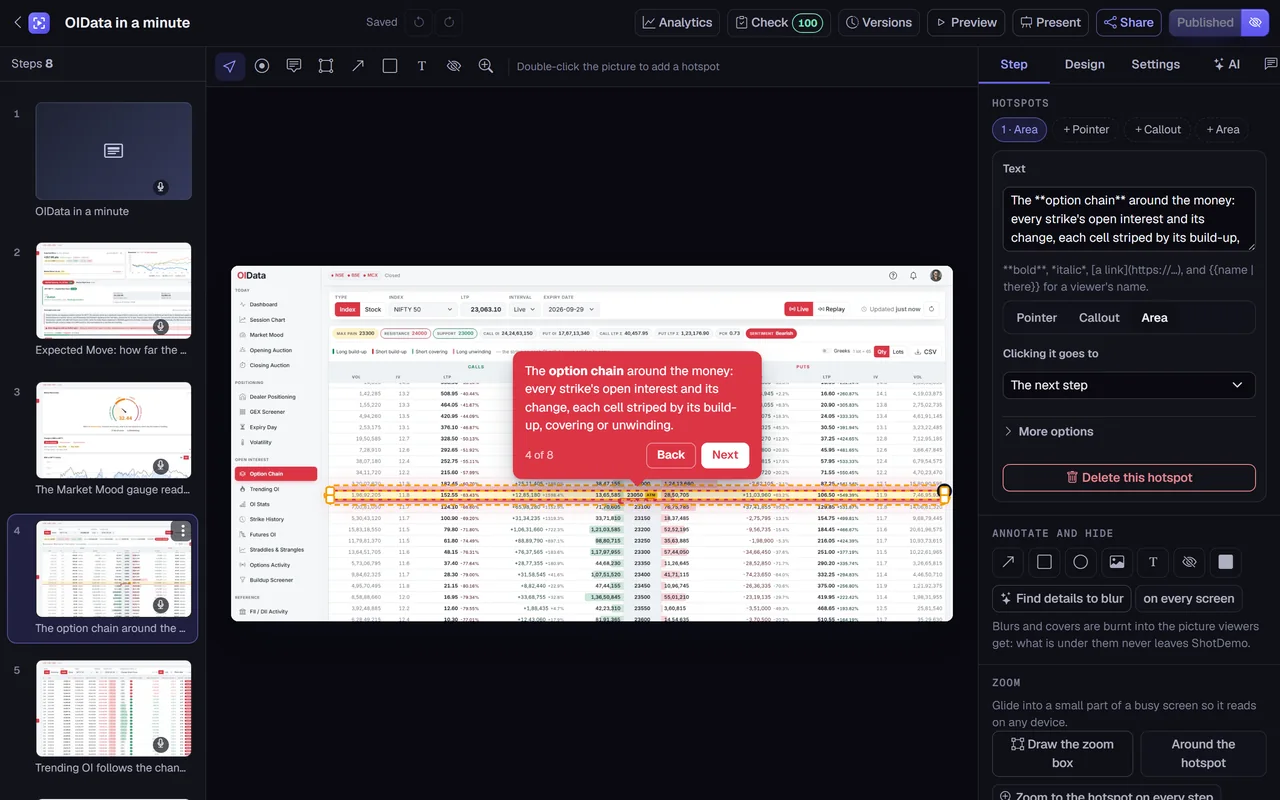
For a conversation at the booth, presenter mode is the better tool. It opens the demo with your notes for each step, the next step and a timer in front of you, while a second window, on the big screen or a monitor facing the visitor, shows only the demo and follows every click you make. Notes are written per step in the editor and never reach viewers, so a new team member can give the demo the way your best seller would.
Write the notes as prompts, not a script: the question to ask on this screen, the number worth pointing at, the customer story that fits. A booth conversation jumps around, and hotspots that lead to different steps let you follow the visitor's interest instead of the demo's order.
When visitors click through themselves
On a tablet or a touch screen, visitors can drive. ShotDemo's player fits the screen it is on: on a narrow screen the words move to a panel under the picture with Back and Next beside them, so nothing covers the product. If your event draws an international crowd, translate the demo; viewers can pick a language in the player, and each language speaks with its own voice. ShotDemo translates a demo into any of 32 languages, and you check each text beside its original before it goes out.
For a self-serve station, a bought demo can also switch on free exploration: visitors click around the captured screens as they would in your product, with no steps to follow, and the guided tour stays one click away.
Something to take home
Most visitors will not decide at the booth. Give them the demo to take away: print the demo's link as a QR code on a card or a stand, using any QR code maker. Add ?src=qr to the end of the link before you make the code, and the demo's analytics count those views under "qr", apart from your website's embed and your emails.
After the event, follow up with a link made for one person on a bought demo: it greets them by name, can end on a date you choose, and shows you whether they opened it and how far they got. Their visit goes in the demo's analytics with the rest, so you can see which booth conversations turned into a second look.
A checklist for the week before
- Make the demo for the booth, not the website: shorter, with words a passer-by can read from two metres.
- Buy it, and download the offline copy to every laptop at the booth; open it once with the Wi-Fi off.
- Turn on Play by itself and Start again at the end for the screen, and test a full loop.
- Write presenter notes for the steps your team talks over, and try presenter mode with a second screen.
- Translate it if the event is international, and check the voice of each language.
- Print the QR code with
?src=qron the link, and scan it with a phone that is not on the booth's network. - Export an MP4 as a backup for a television, in case a laptop fails.
A demo is $12 once, the whole price with no tax added, and stays live for good; the offline copy, the clean video and free exploration come with it. Building and trying it is free: make the demo, publish it with a small badge, and buy it when the event is close.